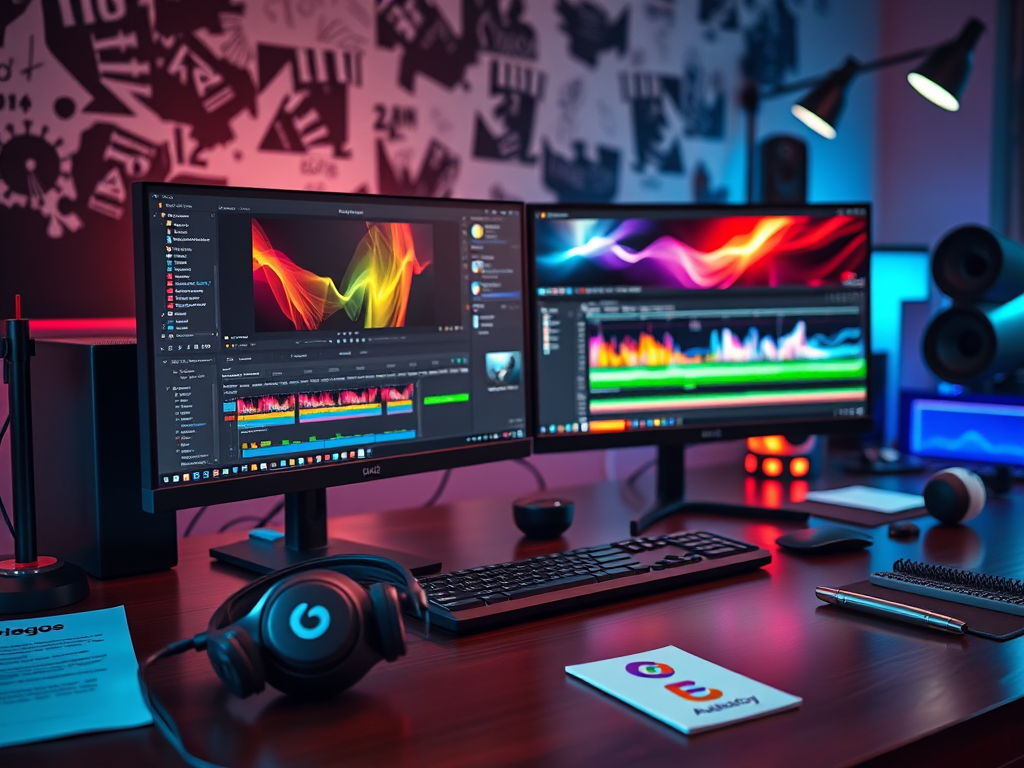
Linux has emerged as a powerful and versatile platform for video production, offering a robust and cost-effective alternative to proprietary software. Its open-source nature fosters a vibrant community constantly developing and refining tools for every stage of the video workflow. From capturing footage to intricate editing and final rendering, Linux provides a comprehensive suite of software solutions for aspiring and professional videographers alike. This article explores the essential software tools that form the backbone of a Linux-based video production setup.
Key Software for Linux Video Workflows
Video Editing: Kdenlive and OpenShot are two leading non-linear video editors (NLEs) on Linux, providing intuitive interfaces and powerful features. Kdenlive, known for its stability and advanced editing capabilities, offers a multi-track timeline, a wide range of effects, and support for various video and audio formats. OpenShot, favored for its user-friendliness, simplifies the editing process with a drag-and-drop interface, making it ideal for beginners. Both options provide the essential tools for cutting, splicing, adding transitions, and incorporating audio, enabling users to craft compelling narratives from their footage.
Motion Graphics and Compositing: Blender, a free and open-source 3D creation suite, extends its capabilities beyond modeling and animation to encompass powerful compositing and motion graphics tools. Its node-based compositor allows for complex visual effects, keying, and masking, while its animation features can be leveraged for creating dynamic text and graphics. For those focused primarily on compositing, Natron offers a robust node-based environment specifically designed for visual effects and motion graphics, providing a professional-grade alternative to commercial compositing software.
Color Grading and Correction: DaVinci Resolve, available in a free version for Linux, brings professional-grade color grading tools to the platform. Its intuitive interface and powerful color manipulation capabilities allow for precise adjustments to contrast, saturation, and hue, enabling users to achieve a polished and cinematic look. Alternatively, Lightworks, though primarily a video editor, also offers robust color correction and grading features, making it a versatile option for those seeking an all-in-one solution.
Audio Editing and Mixing: Audacity stands as a popular choice for audio editing and mixing on Linux. Its open-source nature and user-friendly interface make it accessible to both beginners and experienced audio engineers. Ardour, a more advanced digital audio workstation (DAW), provides a comprehensive suite of tools for recording, editing, mixing, and mastering audio, offering professional-level capabilities for sound design and music production.
Screen Recording and Encoding: OBS Studio, a versatile screen recording and streaming software, allows for capturing screen content, webcam footage, and audio, making it ideal for creating tutorials, presentations, and gameplay videos. For encoding and transcoding video files to different formats, FFmpeg provides a powerful command-line tool capable of handling a wide range of codecs and containers, enabling users to optimize their videos for various platforms and devices.
The breadth and depth of video production software available on Linux offer a compelling alternative to proprietary solutions. Whether you’re a hobbyist or a professional, the open-source ecosystem provides powerful and flexible tools for every stage of the video production workflow, empowering you to bring your creative vision to life without the constraints of expensive software licenses. With a thriving community constantly innovating and refining these tools, the future of Linux video production looks bright.






Leave a Reply